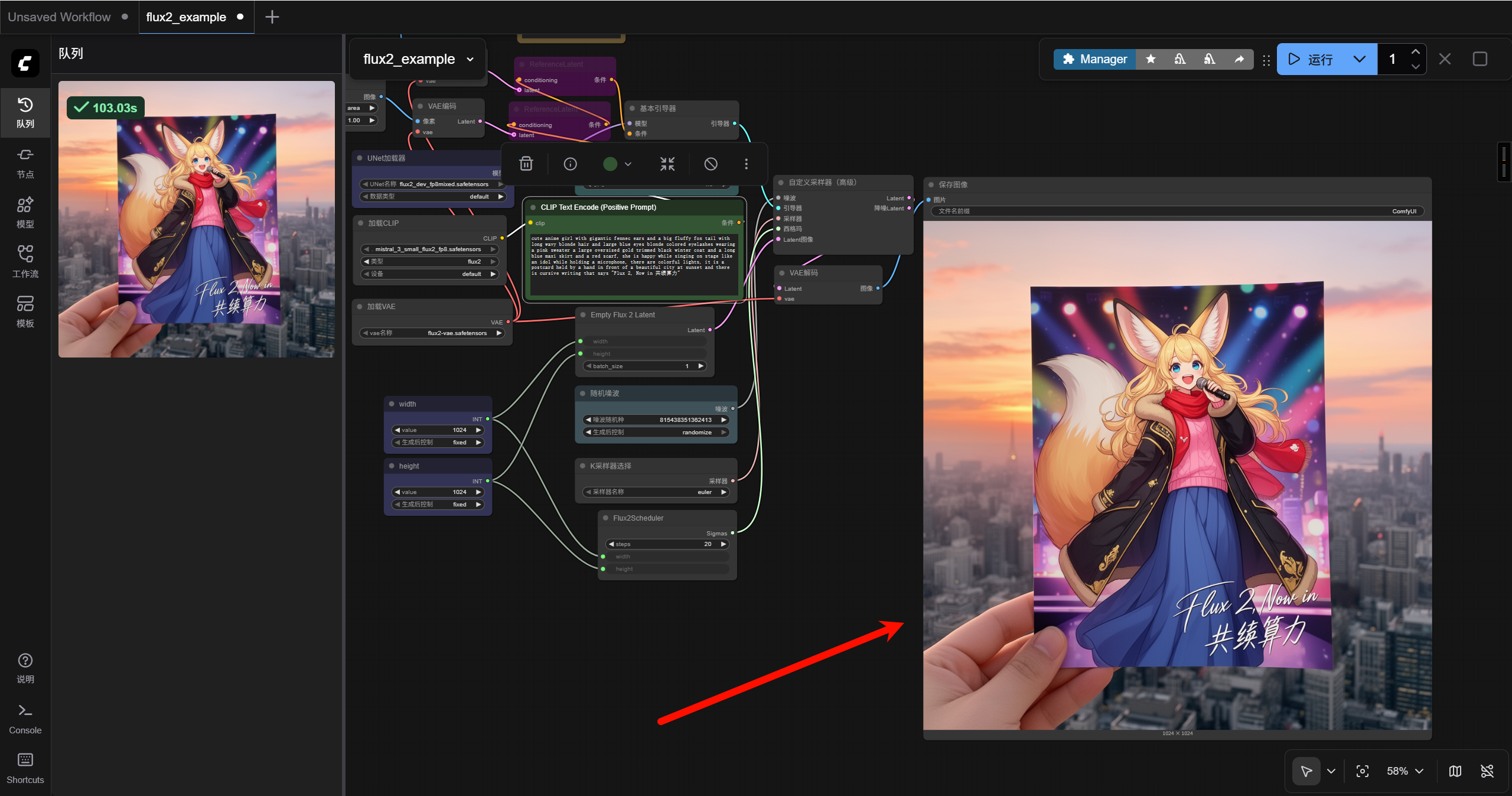
容器化部署 Flux.2 [dev]
1. 访问控制台进入弹性部署界面
Section titled “1. 访问控制台进入弹性部署界面”共绩算力控制台:https://console.suanli.cn/dashboard
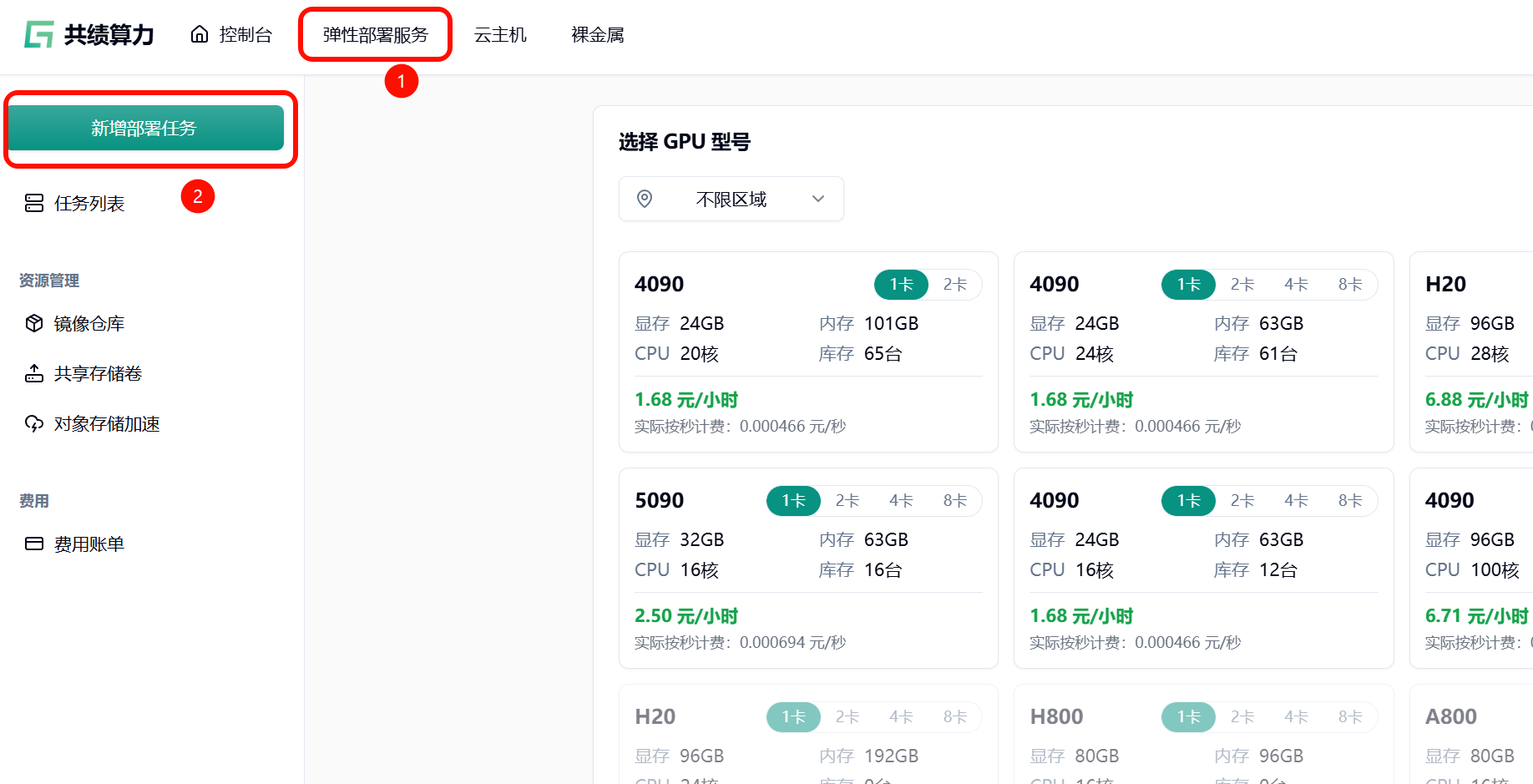
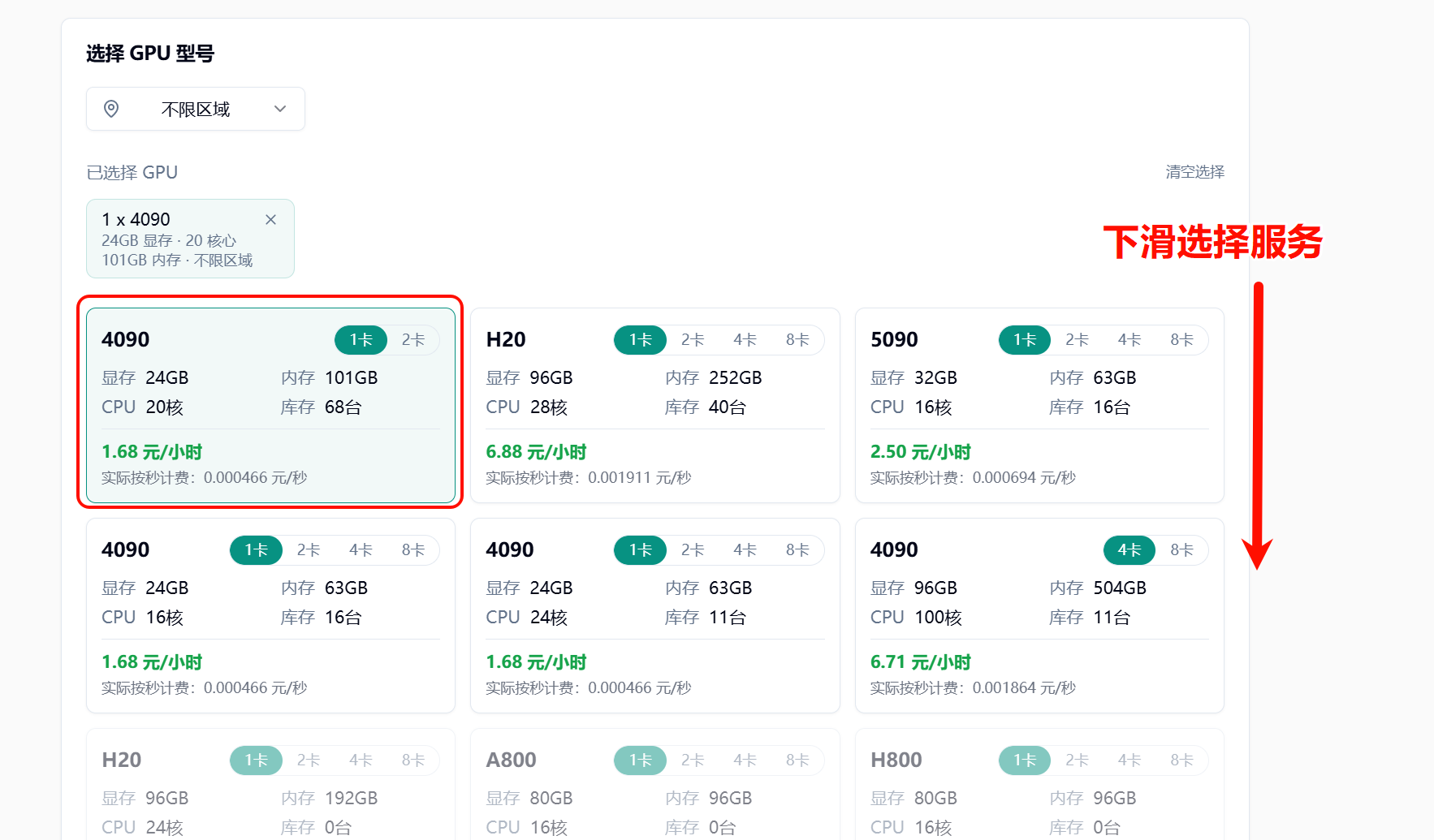
2. 基于自身需要选择所需配置
Section titled “2. 基于自身需要选择所需配置”参考配置:4090,1 卡
3. 选择相应服务
Section titled “3. 选择相应服务”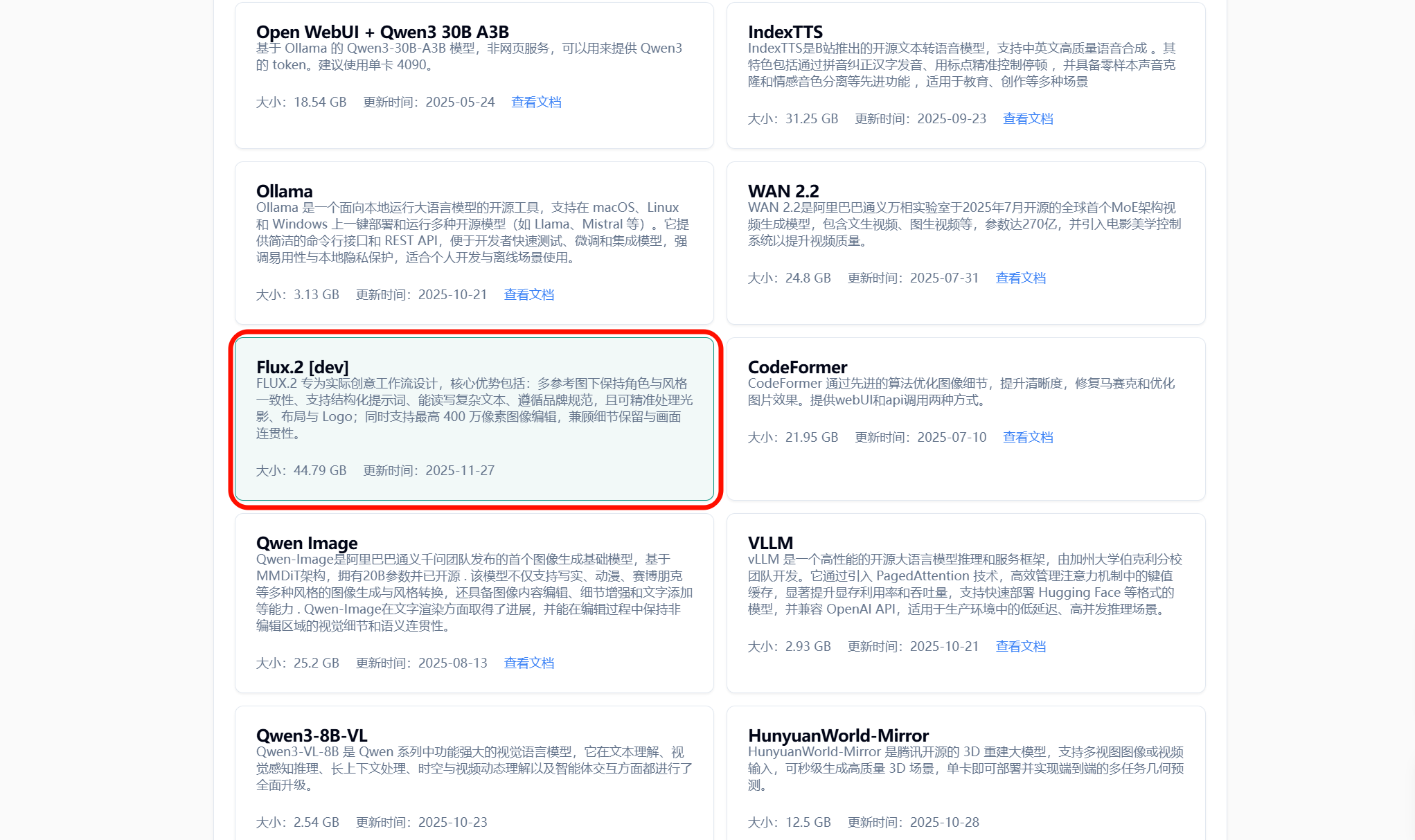
4. 点击部署服务
Section titled “4. 点击部署服务”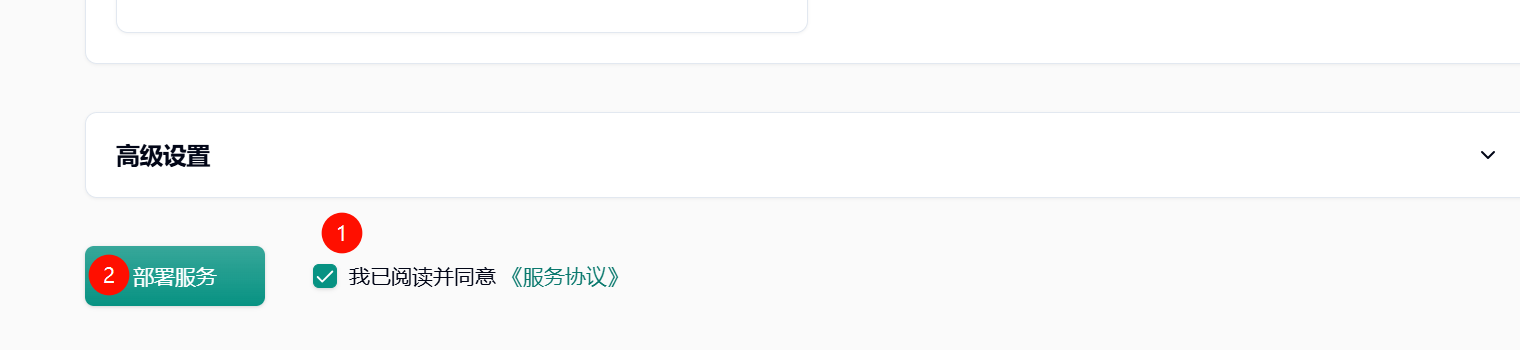
5. 耐心等待节点拉取镜像
Section titled “5. 耐心等待节点拉取镜像”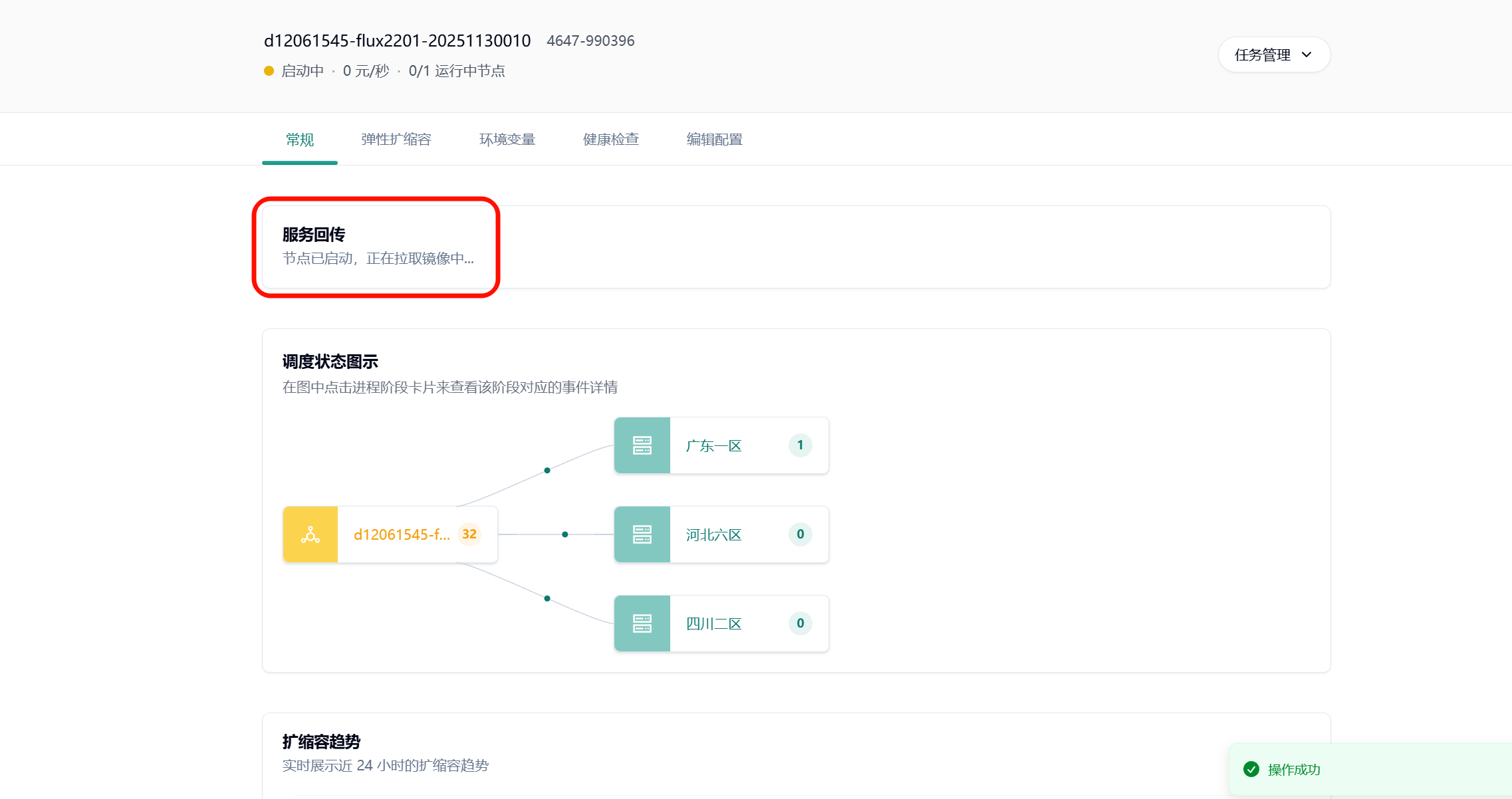
6. 节点启动后的界面
Section titled “6. 节点启动后的界面”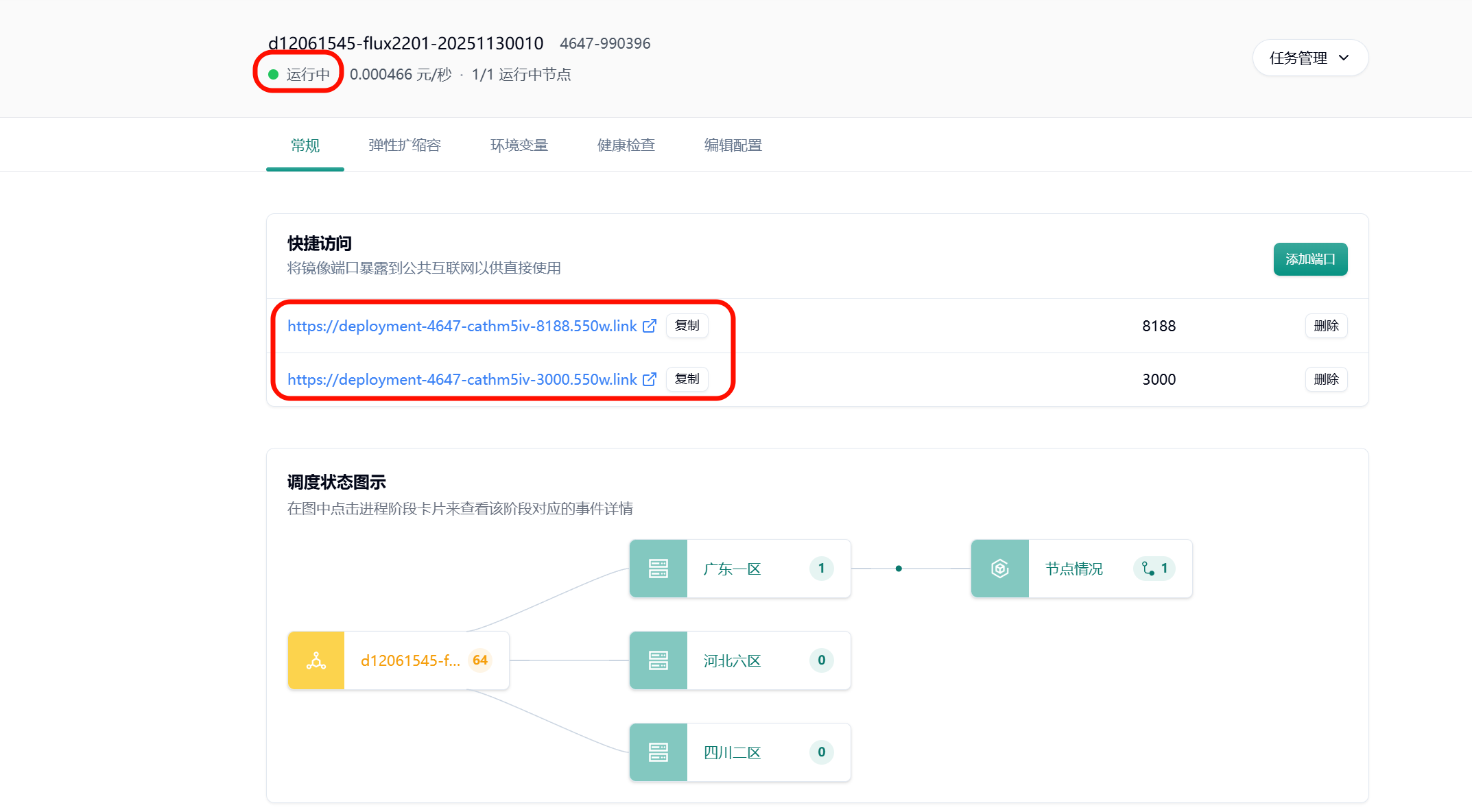
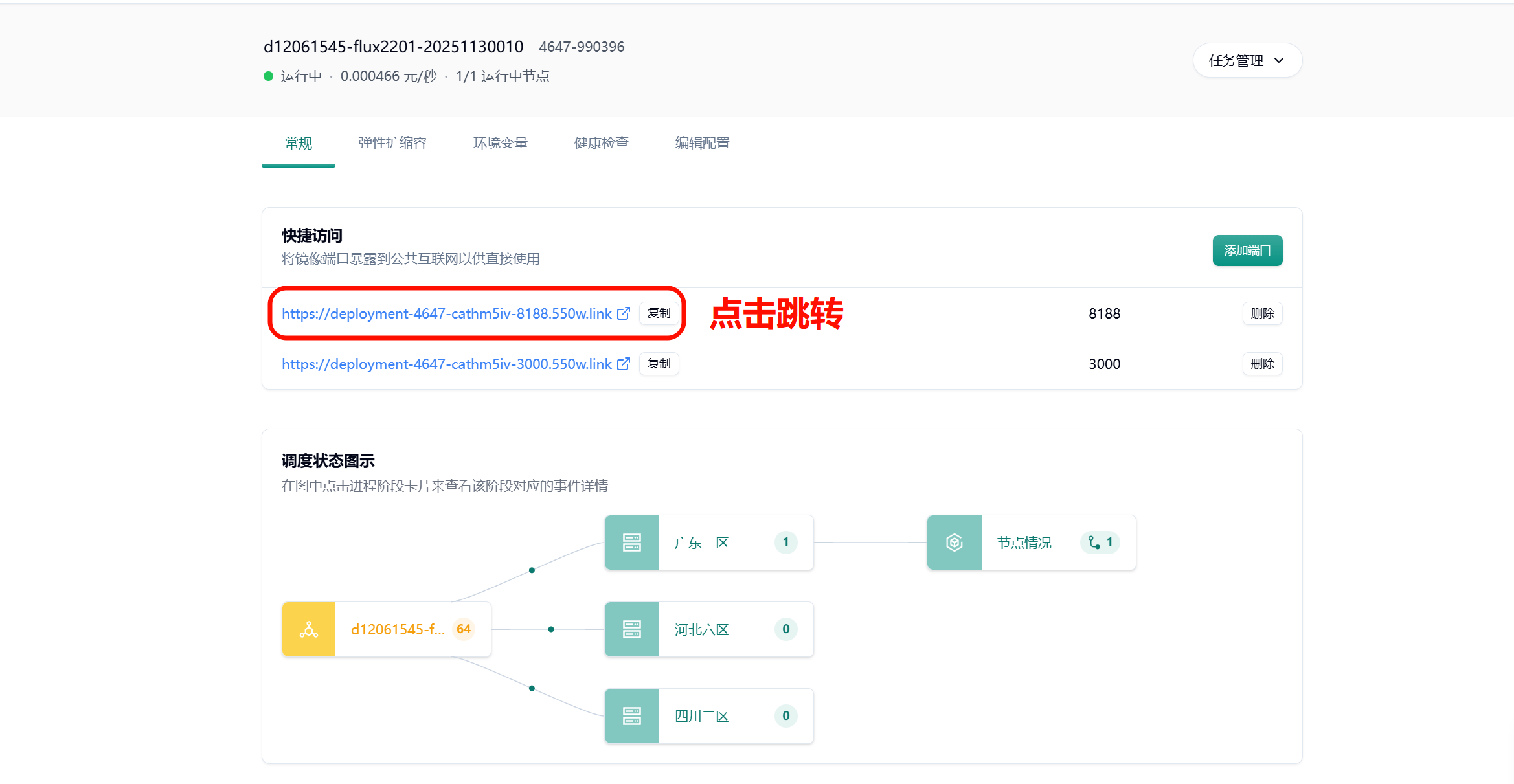
7. 进入 comfyui 界面
Section titled “7. 进入 comfyui 界面”系统会自动分配一个可公网访问的域名,点击图示链接跳转 comfyui 界面
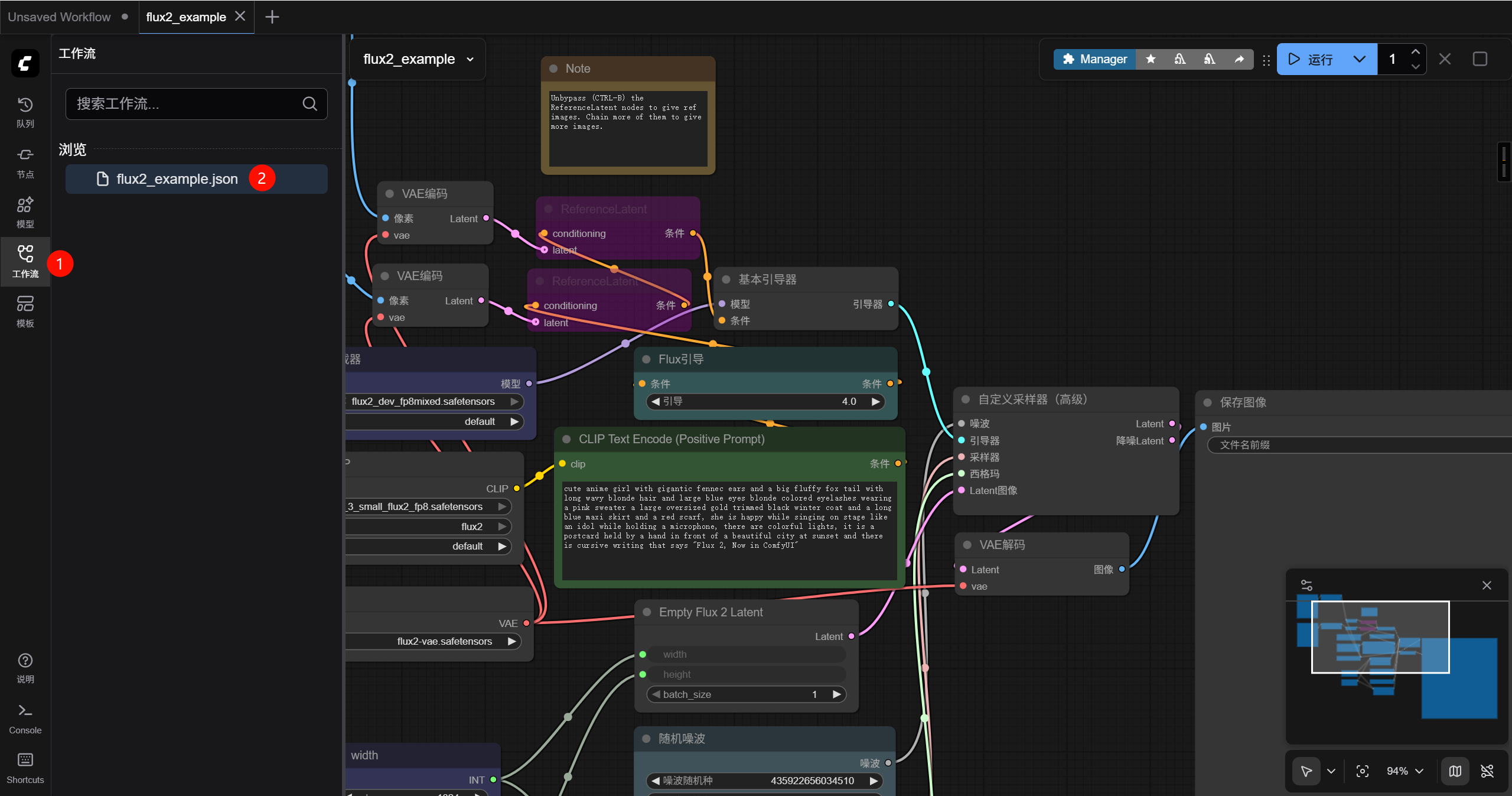
进入 comfyui 界面以后按下图序号先选择左侧栏的工作流菜单,再点击打开默认的 flux2_example.json 文件,此时可以发现这是一份默认的测试工作流
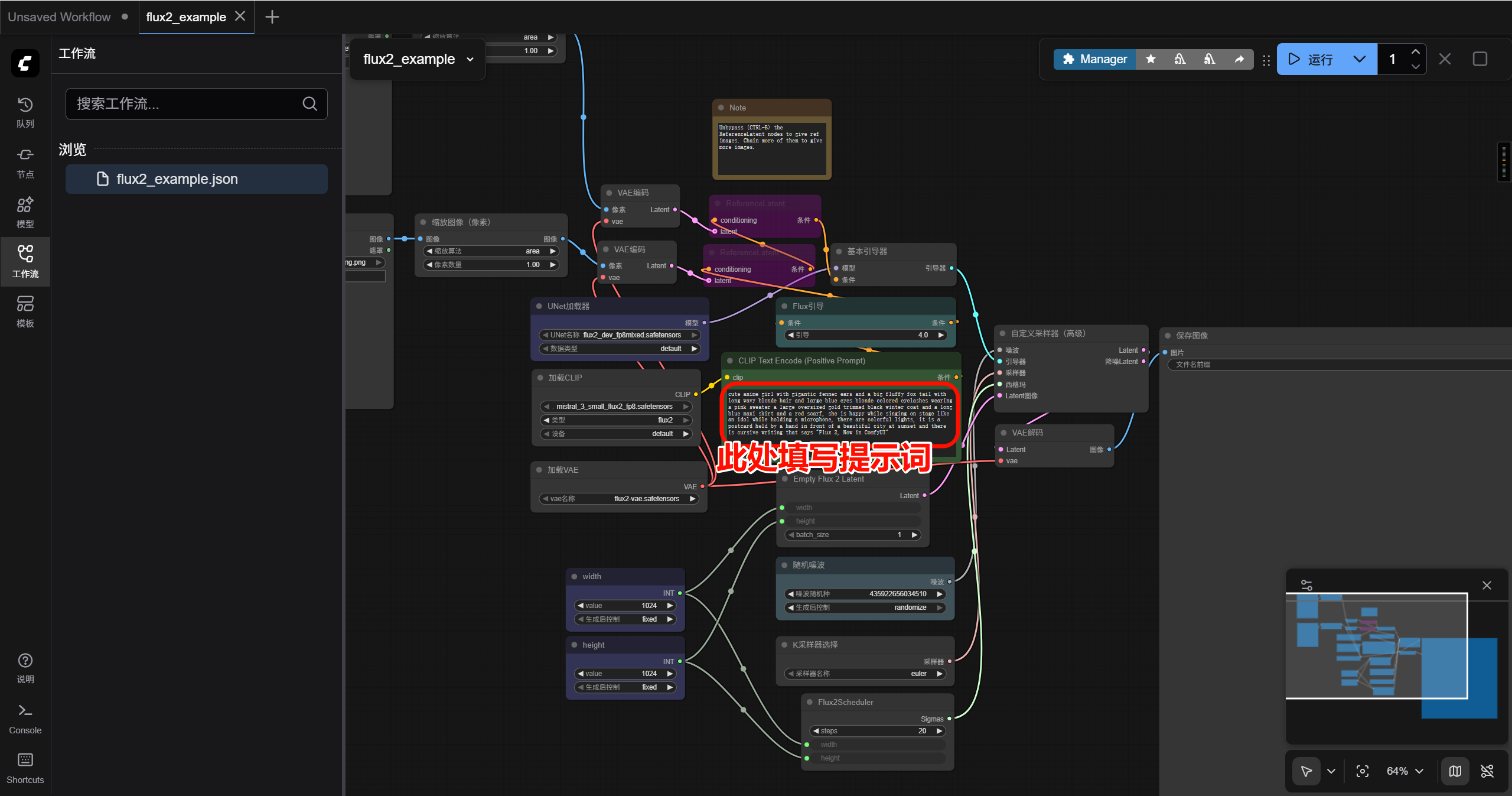
参考的 prompt 如下:
cute anime girl with gigantic fennec ears and a big fluffy fox tail with long wavy blonde hair and large blue eyes blonde colored eyelashes wearing a pink sweater a large oversized gold trimmed black winter coat and a long blue maxi skirt and a red scarf, she is happy while singing on stage like an idol while holding a microphone, there are colorful lights, it is a postcard held by a hand in front of a beautiful city at sunset and there is cursive writing that says “Flux 2, Now in 共绩算力”
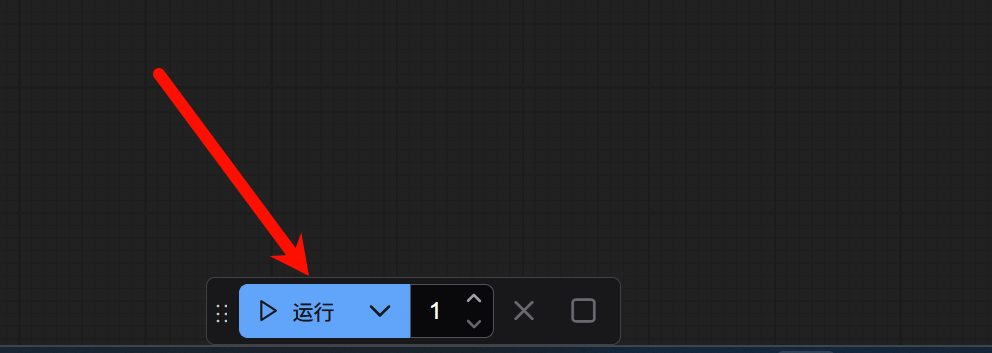
点击下方的开始运行
稍等片刻,即可在后方的“保存图像”节点看到基于我们提示词生成的图片。右键点击图片,选择“Save Image”即可保存图片。