

GitHub 加速配置指南
本指南面向高校、科研机构、在读学生等学术用途,用于缓解国内网络环境下 GitHub 访问缓慢、下载失败的问题。
使用加速代理:https://ghfast.top/
该服务为第三方公益性质加速节点,不承诺 100% 可用、不保证带宽、不保证长期稳定运行。
支持加速的内容
Section titled “支持加速的内容”- 仓库克隆(git clone,HTTPS 协议)
- Releases 资源下载
- archive 打包(分支或 tag 的 zip/tar.gz)
- raw.githubusercontent.com 的单个文件
- gist.github.com 和 gist.githubusercontent.com 的内容
1. 通过 git clone 加速克隆仓库
Section titled “1. 通过 git clone 加速克隆仓库”演示仓库:https://github.com/nexmoe/VidBee
git clone https://github.com/nexmoe/VidBee

git clone https://ghfast.top/https://github.com/nexmoe/VidBee私有仓库需使用 Personal Access Token:
git clone https://用户名:token@ghfast.top/https://github.com/用户名/仓库名.git示例:
git clone https://amoorzheyu:ghp_xxx@ghfast.top/https://github.com/amoorzheyu/my-private-project.git2. 使用 wget 或 curl 加速下载文件或压缩包
Section titled “2. 使用 wget 或 curl 加速下载文件或压缩包”下载仓库 zip 打包(以演示仓库为例):
wget https://ghfast.top/https://github.com/nexmoe/VidBee/archive/refs/heads/main.zip或:
curl -O https://ghfast.top/https://github.com/nexmoe/VidBee/archive/refs/heads/main.zip下载单个 raw 文件示例:
wget https://ghfast.top/https://raw.githubusercontent.com/nexmoe/VidBee/main/README.md下载 Releases 中的安装包示例(使用实际存在的版本):
wget https://ghfast.top/https://github.com/nexmoe/VidBee/releases/download/v1.2.4/vidbee-1.2.4-setup.exe或使用 curl:
curl -O https://ghfast.top/https://github.com/nexmoe/VidBee/releases/download/v1.2.4/vidbee-1.2.4-setup.exe云主机方式(推荐)
Section titled “云主机方式(推荐)”- 启动云主机实例,并通过浏览器或 SSH 进入调试终端(Console)
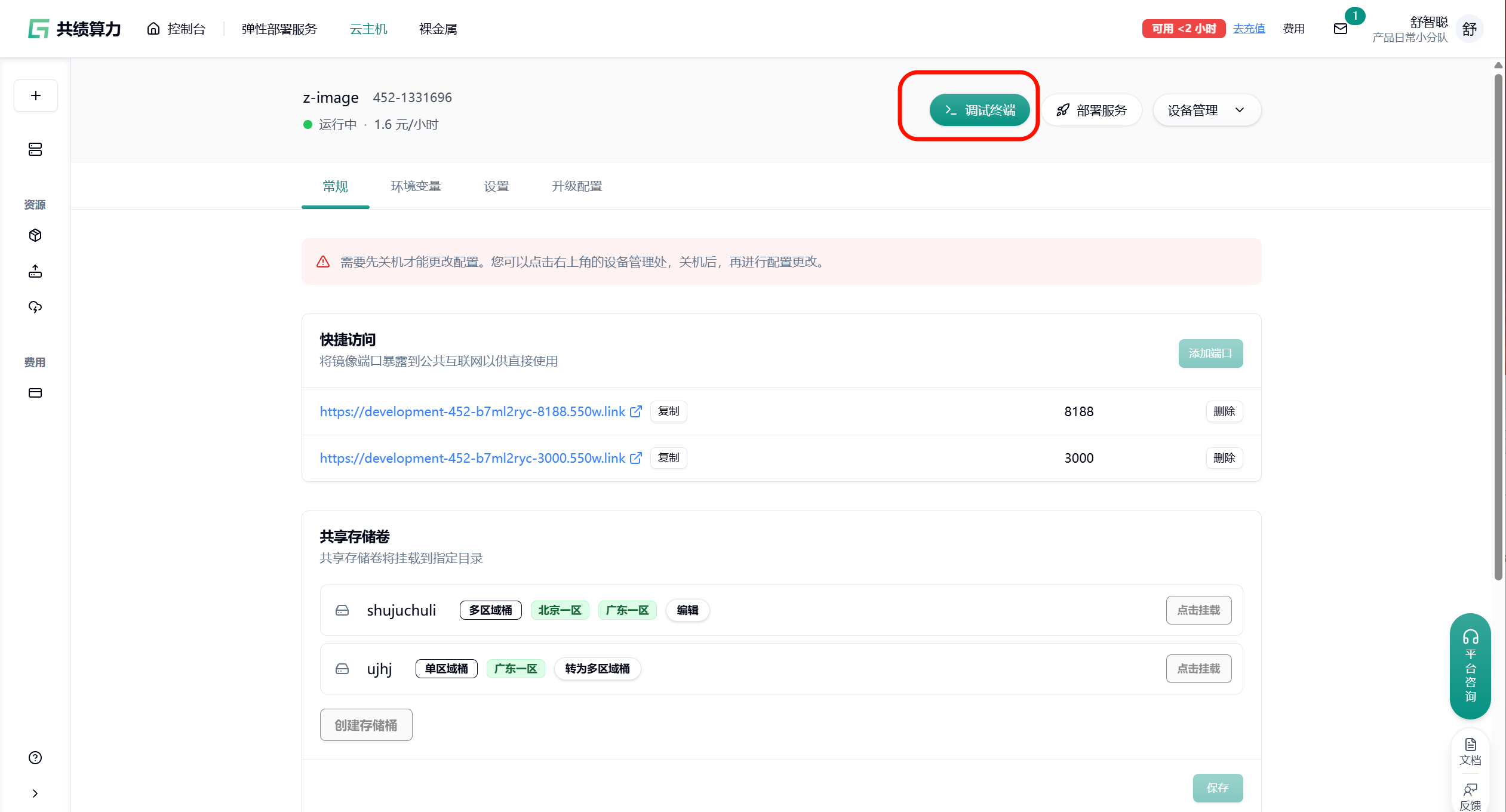
- 在终端中执行 GitHub 加速下载命令(示例):
git clone https://ghfast.top/https://github.com/nexmoe/VidBee或下载 Releases 文件:
wget https://ghfast.top/https://github.com/nexmoe/VidBee/releases/download/v1.2.4/vidbee-1.2.4-setup.exe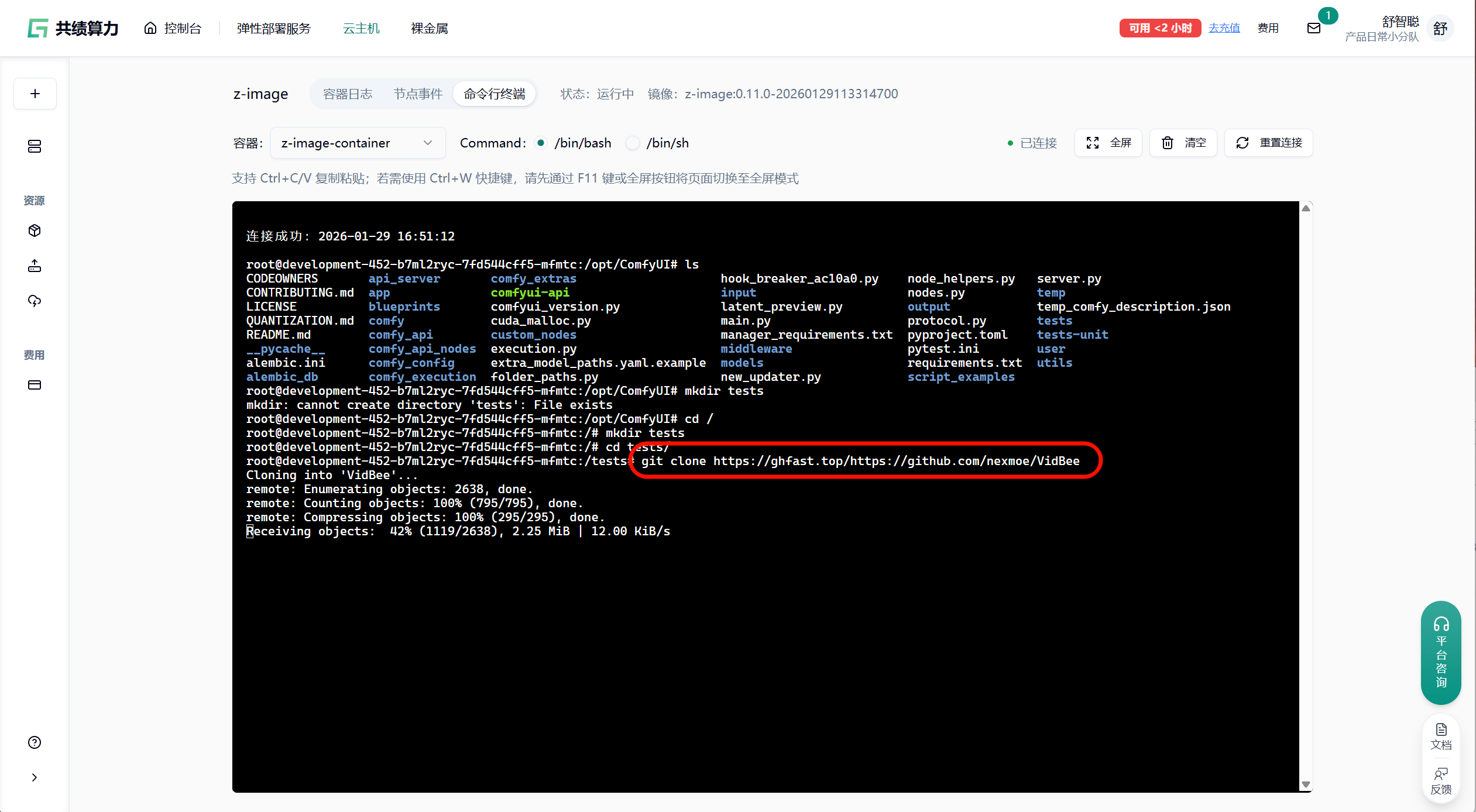
弹性部署服务方式
Section titled “弹性部署服务方式”弹性部署服务本身不支持直接提供命令行终端。 建议的正确操作流程:
- 先在云主机中按照上述步骤完成 GitHub 加速下载、依赖安装、环境配置等操作。
- 将配置完成后的环境打包保存为自定义镜像。
- 在弹性部署服务中选择使用该自定义镜像进行部署,即可继承已完成的 GitHub 加速配置。
这样可以确保弹性部署的实例开箱即用,无需每次手动加速。
- 不支持 SSH 协议克隆(
git@github.com:...无效) - 私有仓库必须使用 HTTPS 协议 + Personal Access Token
- 大文件下载稳定性受节点负载、网络状况影响,可能出现中断或较慢的情况
- 下载卡住或失败时,可多次重试
- 不建议在长期脚本、CI/CD 配置中硬编码该加速地址,建议通过环境变量或配置文件方式管理,便于后续替换
- 请勿用于商业用途或任何违法用途
祝学术研究与代码下载顺利~